Connecting VEKTOR to Kinomap
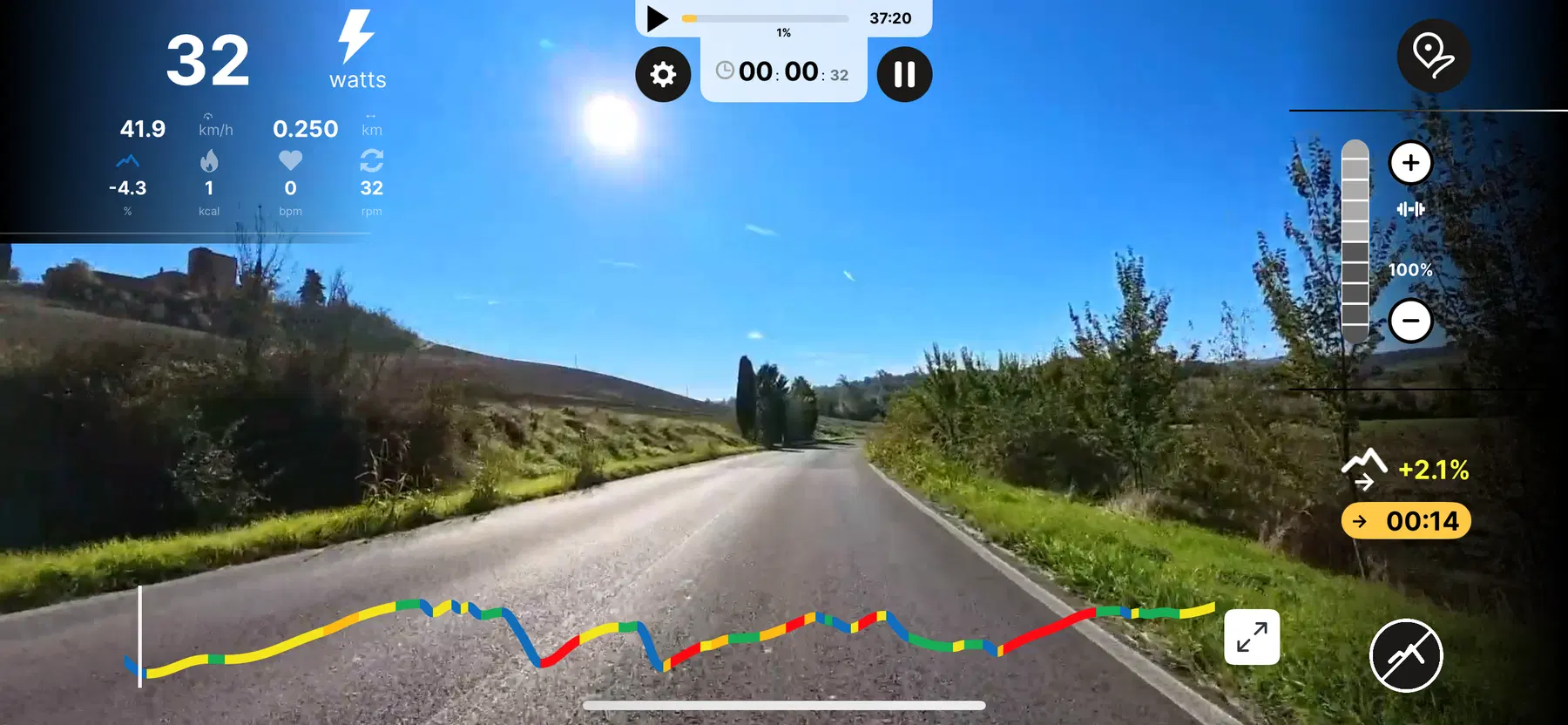
All VEKTOR products are now compatible with Kinomap, a global interactive training platform featuring thousands of real-life cycling, running, and rowing routes from around the world. With immersive video-based courses, coaching programs, and worldwide challenges, Kinomap brings the outdoor training experience indoors.
By connecting your VEKTOR equipment to Kinomap, you can enjoy realistic, route-based workouts, compete with a global community, and track your performance in real time, creating a dynamic and highly motivating training experience.
Below is a sample set of steps demonstrating how to connect your VEKTOR console to Kinomap. Actual steps may vary slightly depending on your device.
How to Connect:
01
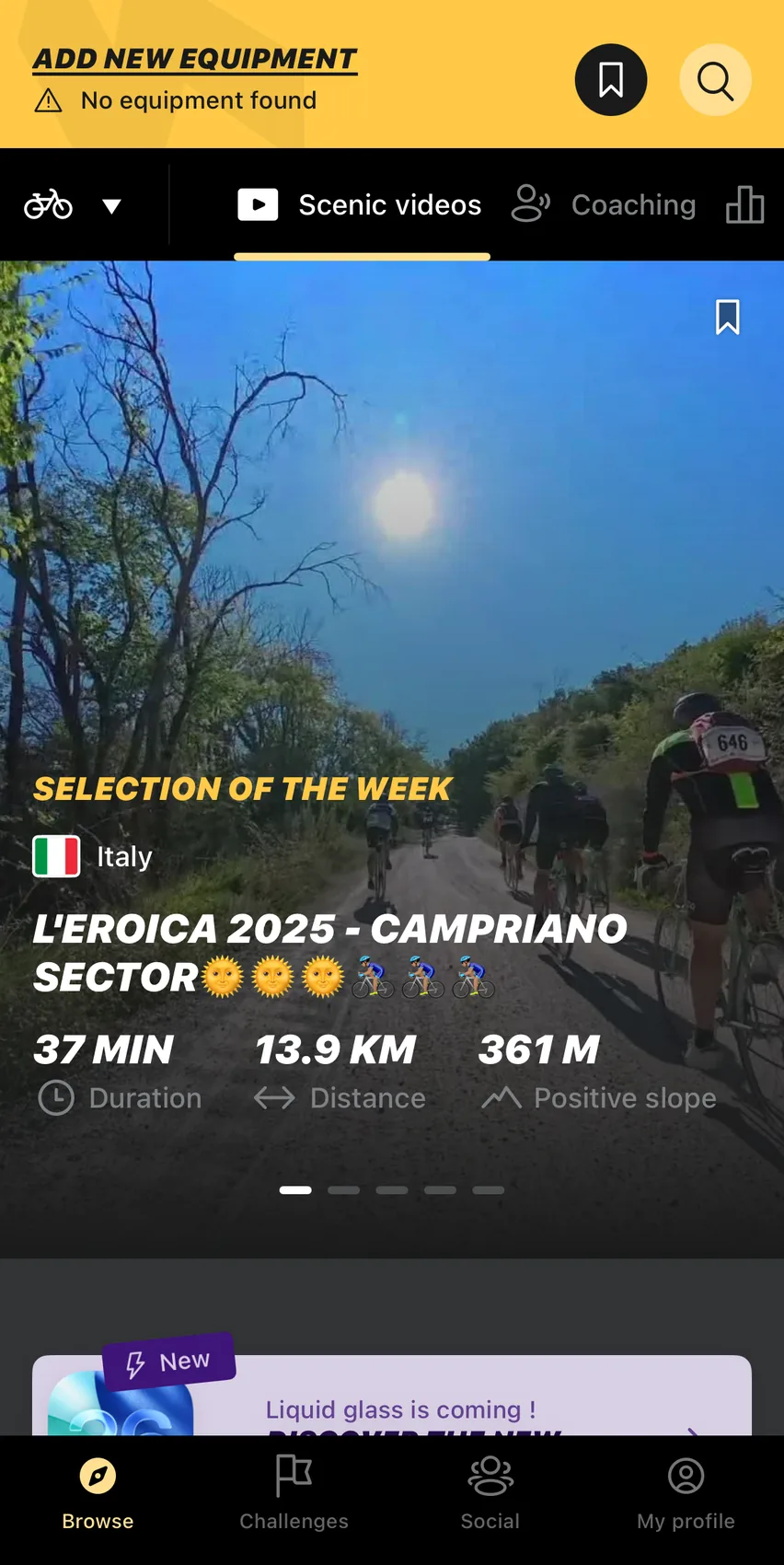
Click ADD NEW EQUIPMENT in the
upper-left corner.
02
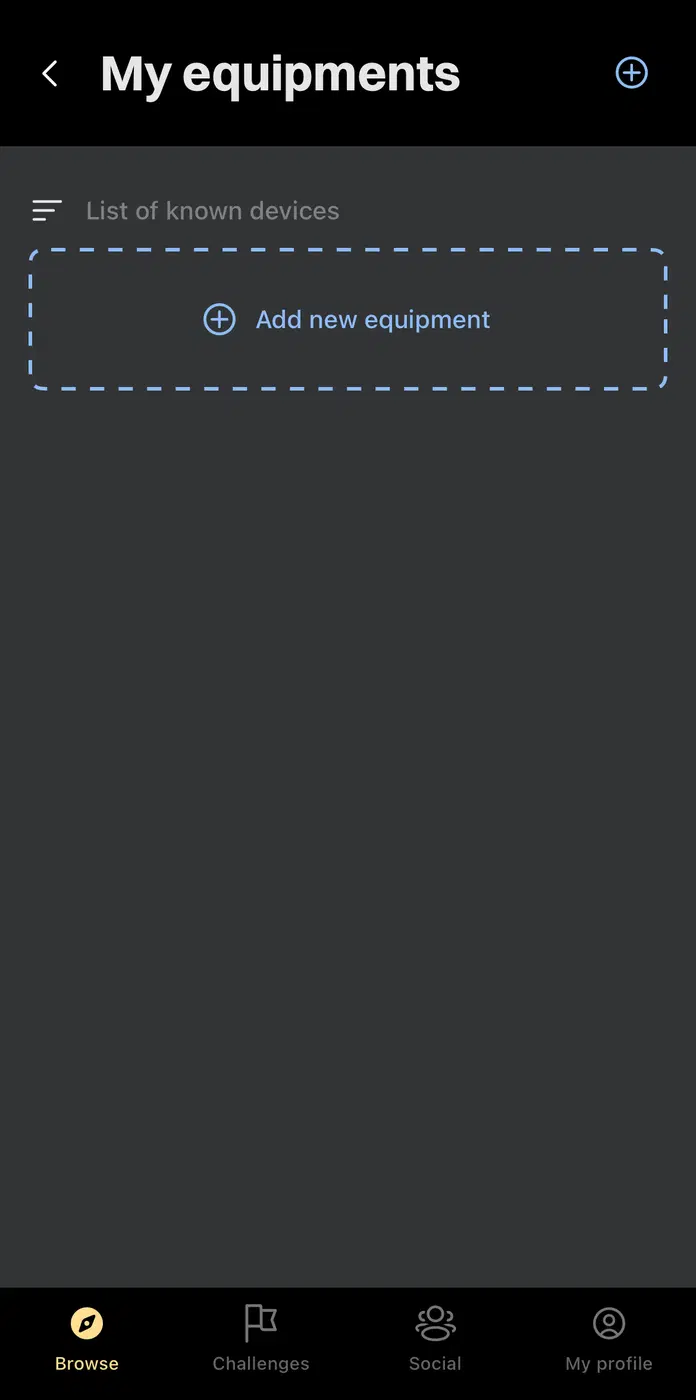
Tap the "+" icon located at the upper-
right or center of the screen.
03
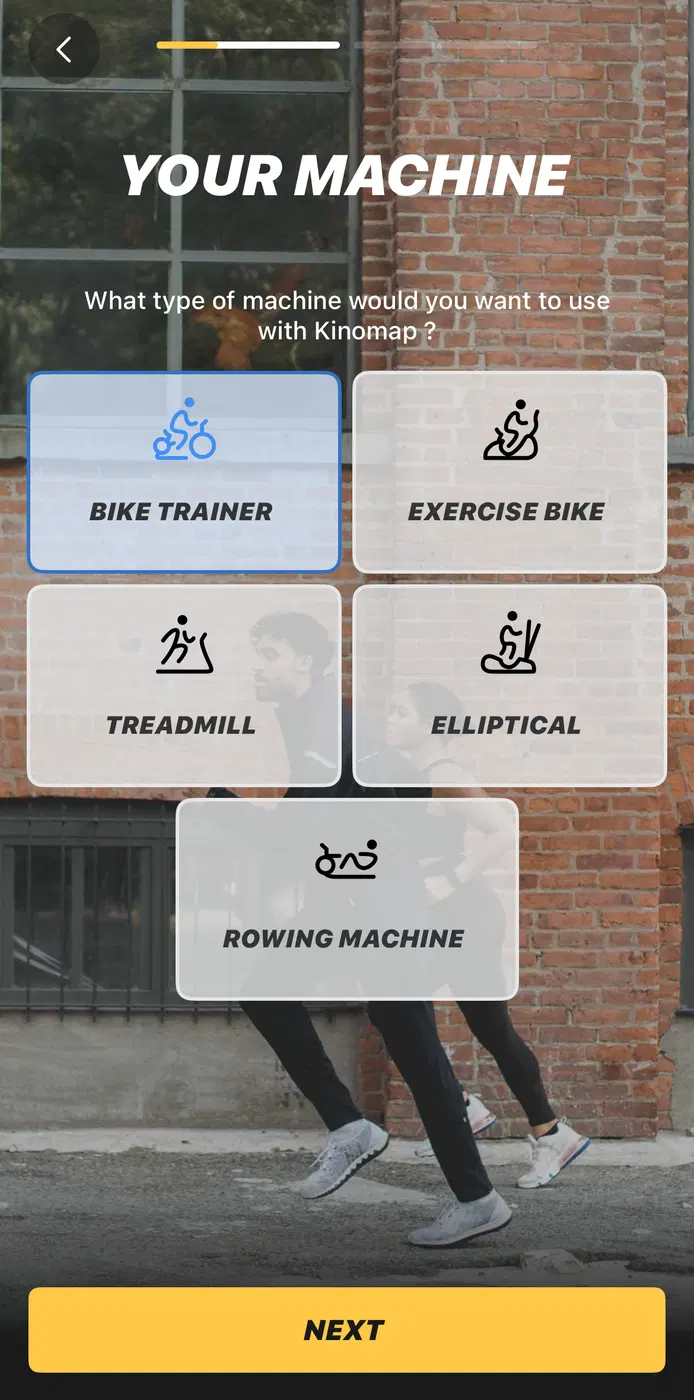
Select your equipment type.
04
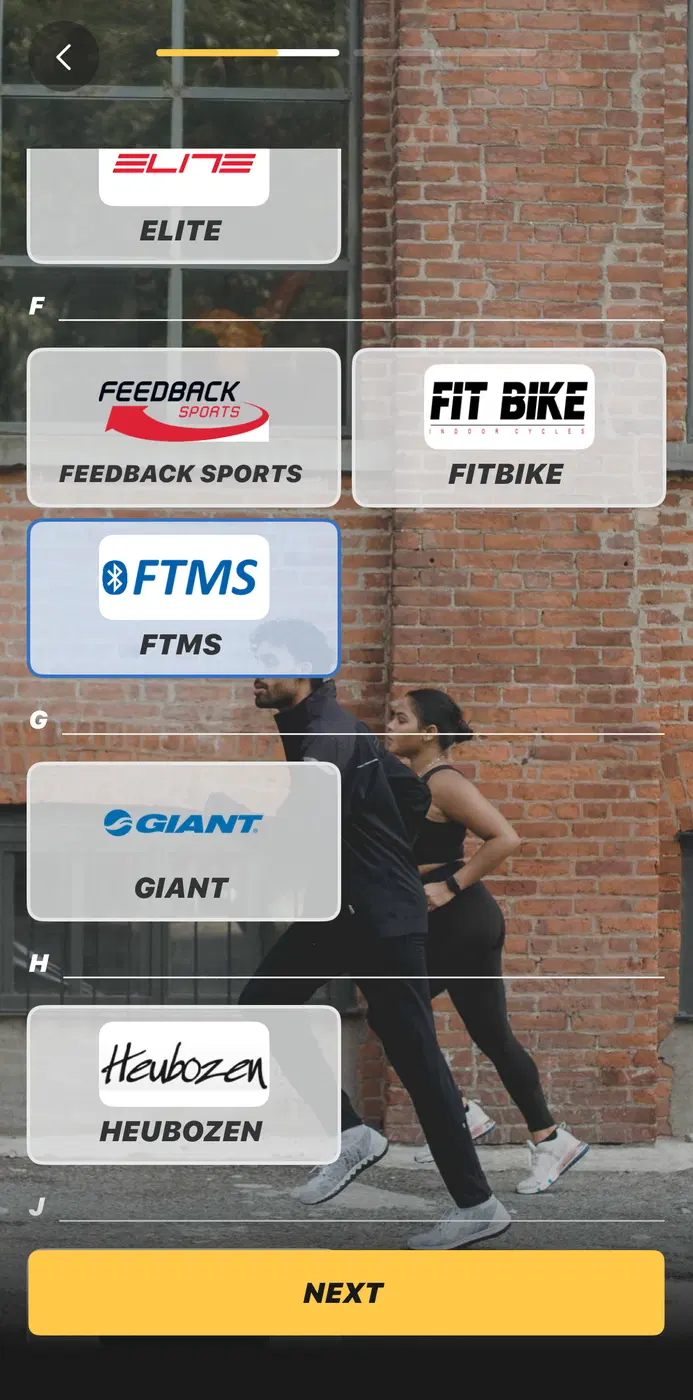
Select FTMS.
05
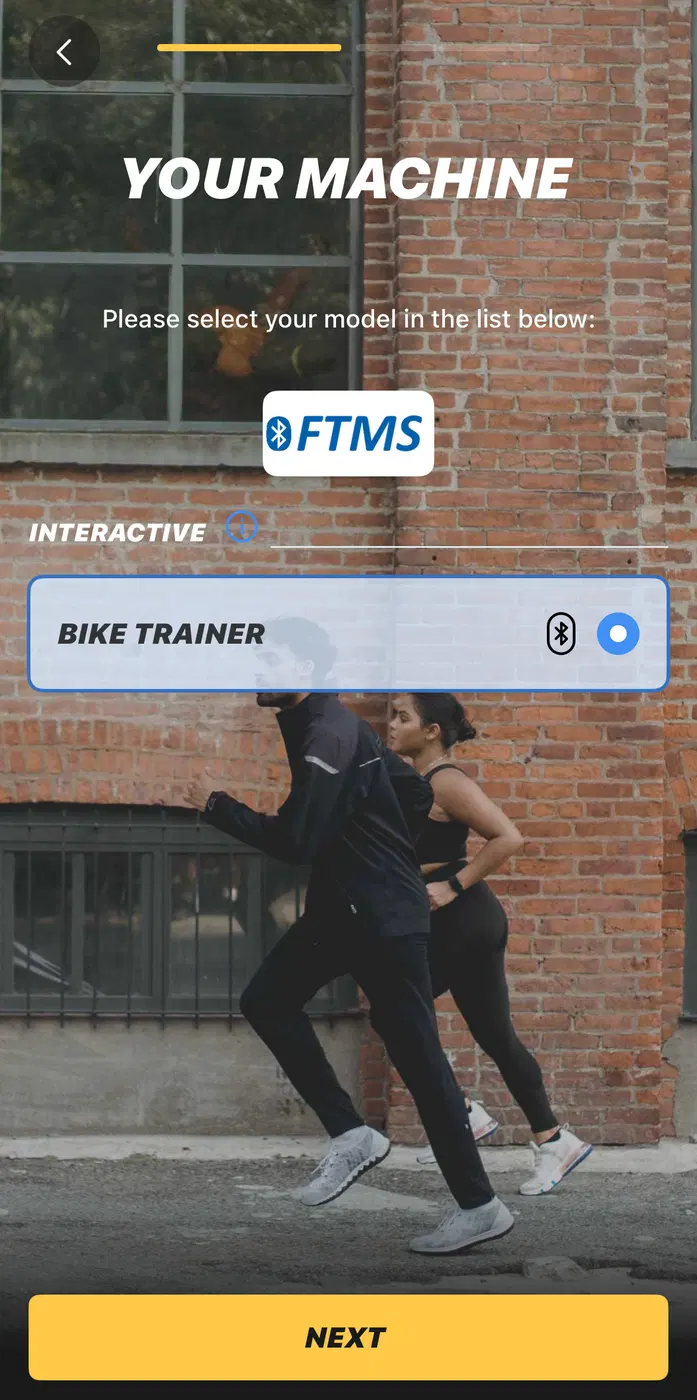
Select your equipment.
06
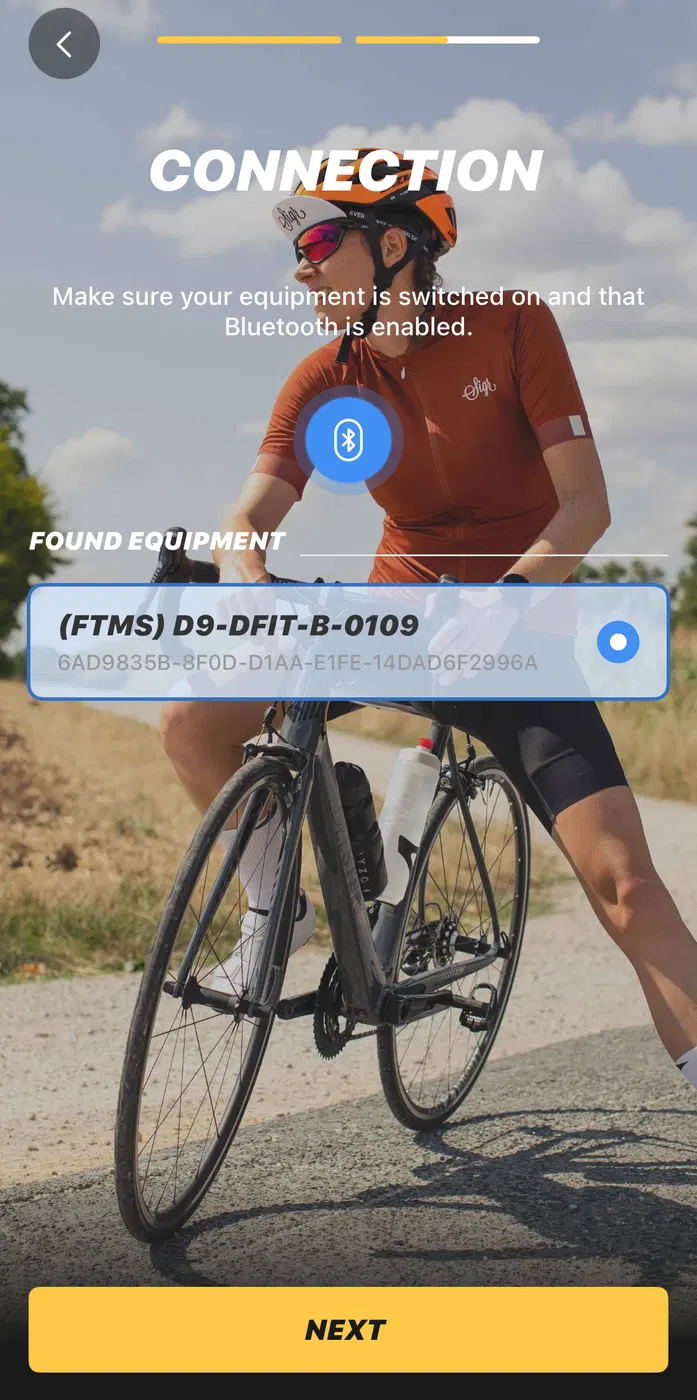
Select the Bluetooth name of your
console monitor.
07
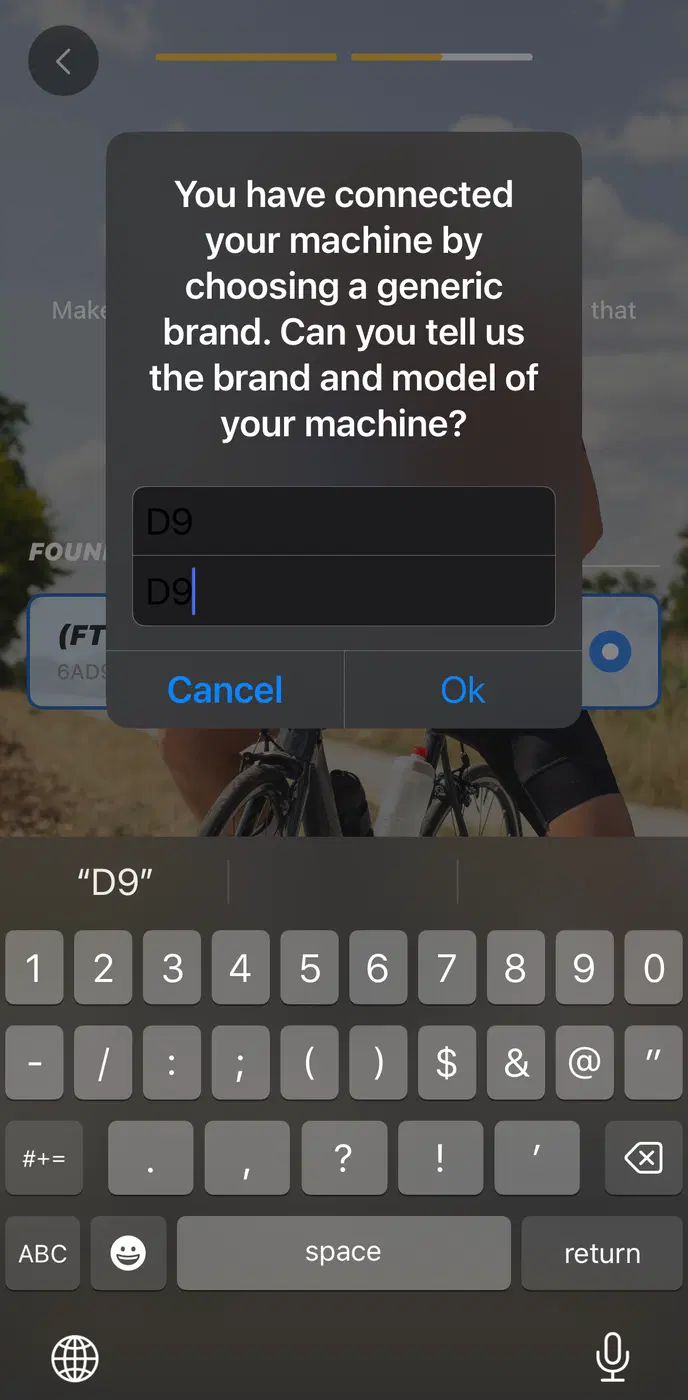
Fill in the two required fields with
VEKTOR and model name.
08
You are now ready, enjoy!