Connecting VEKTOR to EXR
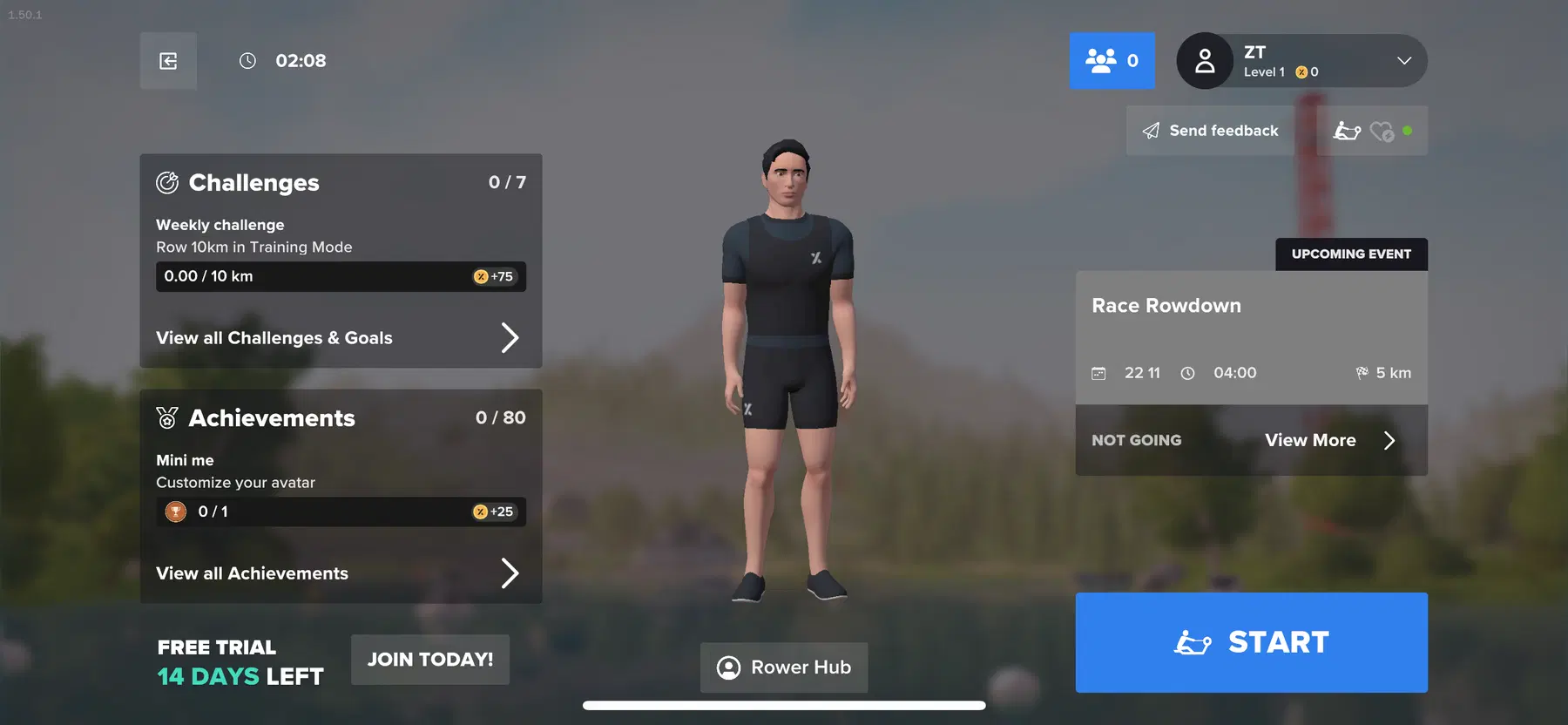
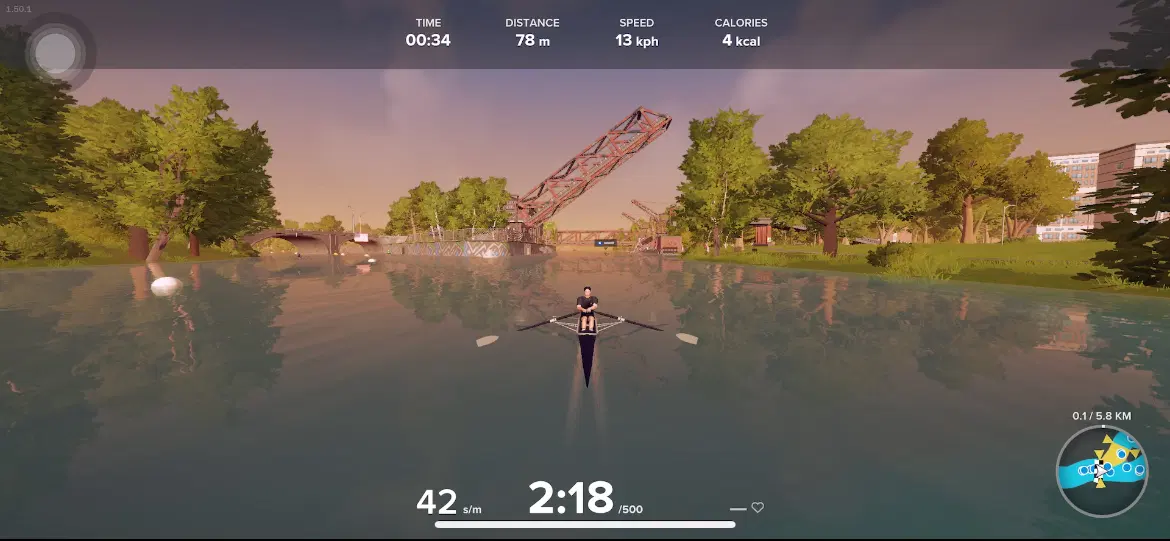
VEKTOR Rowers are now compatible with EXR, an immersive virtual rowing platform designed to elevate indoor training through realistic 3D environments, real-time performance tracking, and engaging gameplay. By connecting your VEKTOR equipment to EXR, you can enjoy interactive rowing sessions, structured workouts, and a motivating virtual community.
This integration blends the efficiency of indoor training with the excitement of virtual exploration, helping users stay engaged while pushing performance to the next level.
Below is a sample set of steps demonstrating how to connect your VEKTOR console to EXR. Actual steps may vary slightly depending on your device.
How to Connect:
01
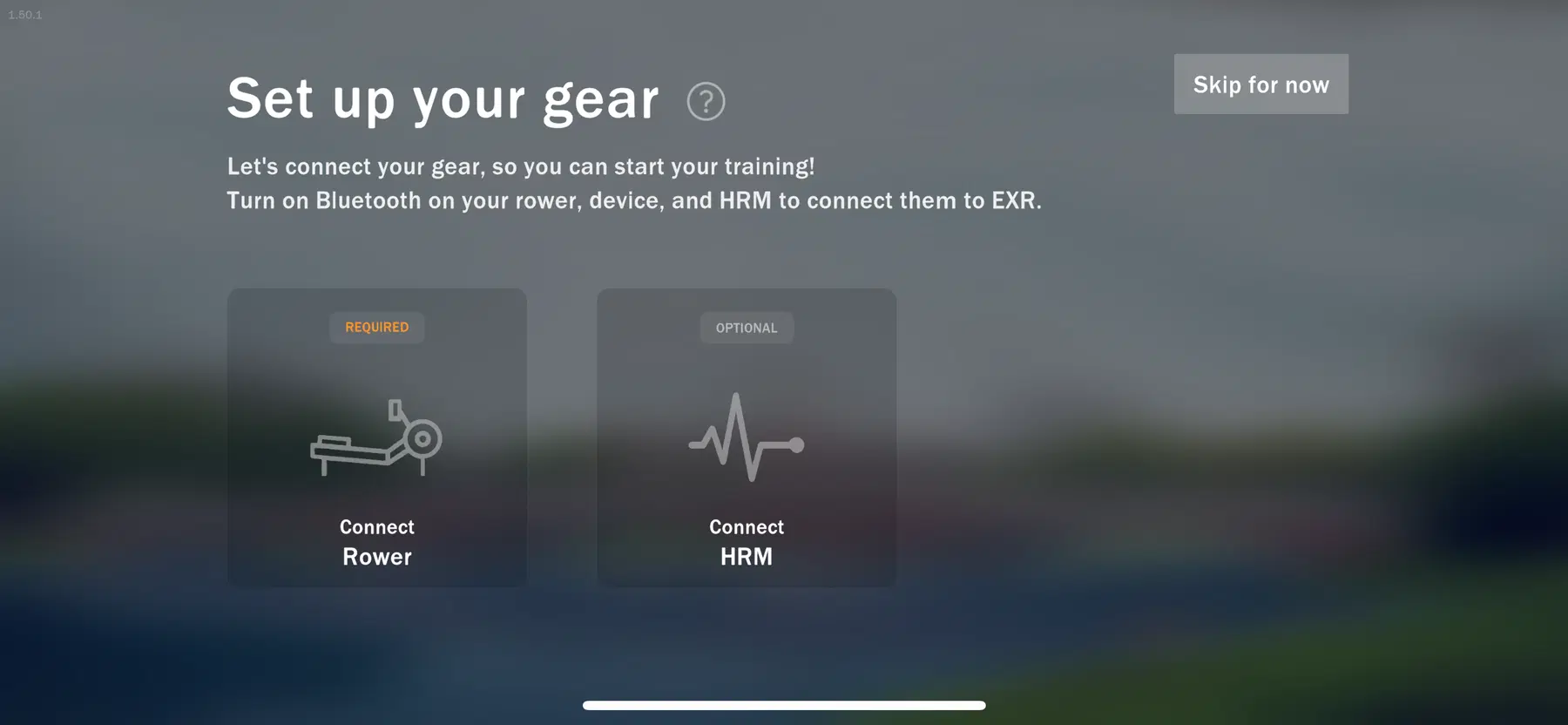
Select Connect Rower.
02
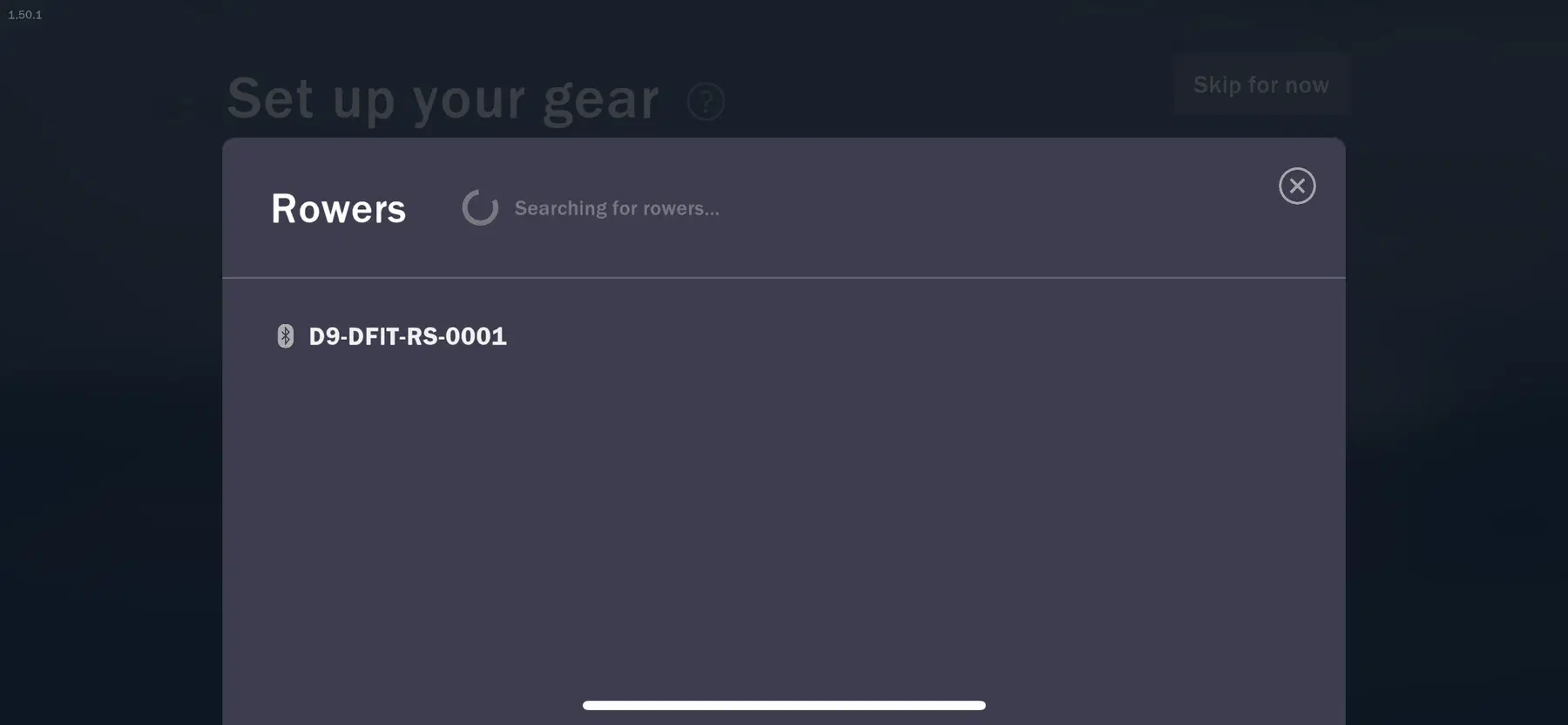
Select the Bluetooth name of your console
monitor.
03
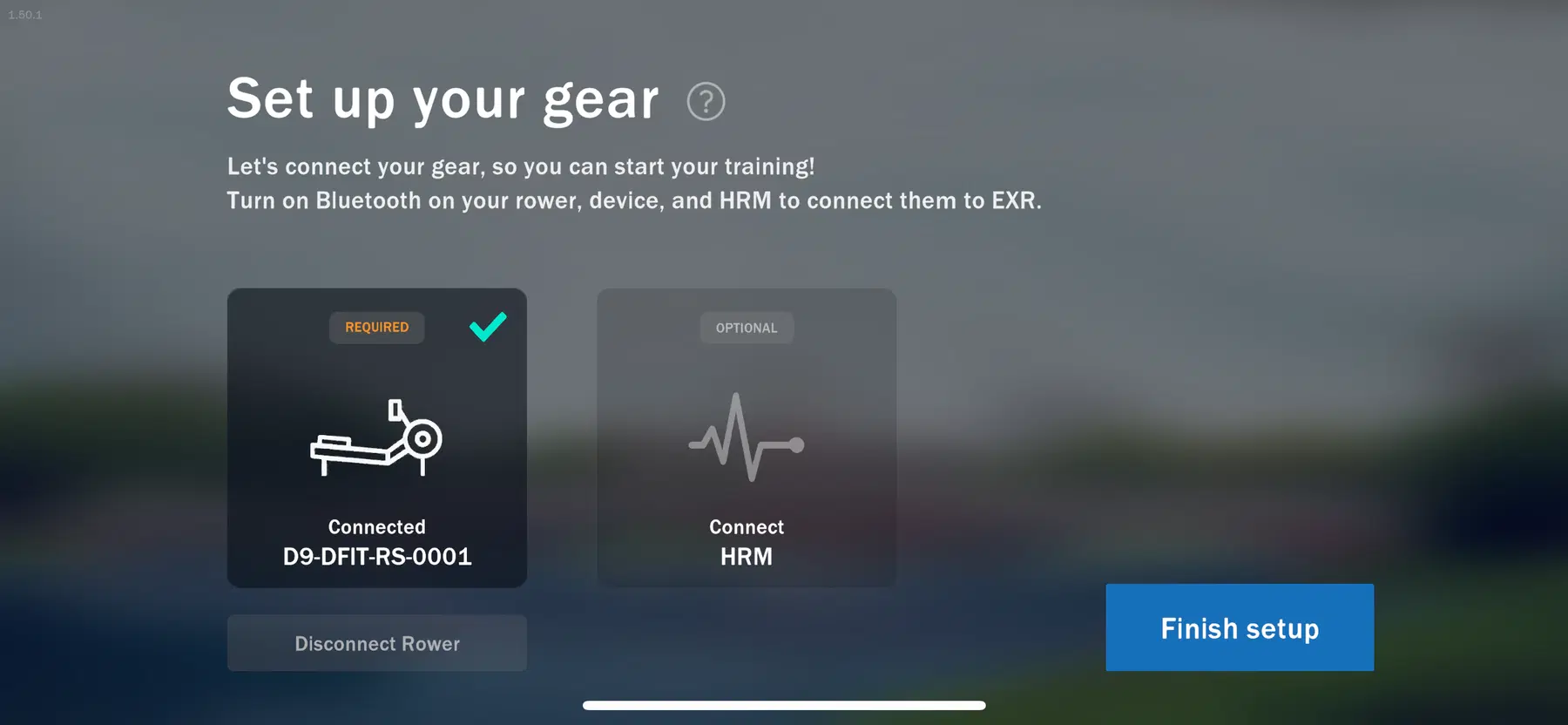
When the connection is successful, a confirmation screen will appear. Select Finish setup.
04
You are now ready, enjoy!