Connecting VEKTOR to D-Fit
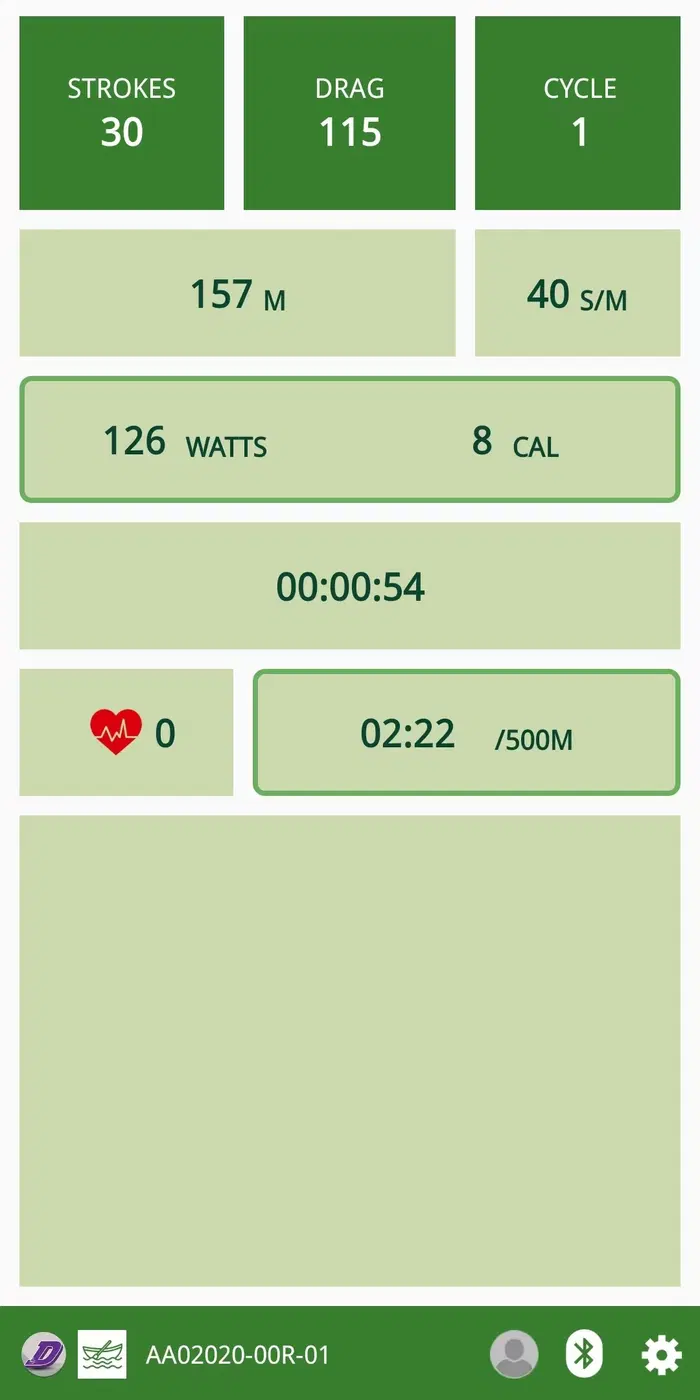
VEKTOR Rowers, Fan Bikes, and Air Bikes are fully compatible with D-Fit, our proprietary training app designed to track workouts, support interval training, and enable competitive challenges with friends and the global VEKTOR community. By connecting your VEKTOR equipment to D-Fit, you can monitor real-time performance data, review workout history, and participate in interactive competitions that keep training engaging and motivating.
D-Fit seamlessly integrates with your VEKTOR console, delivering a smooth and intuitive training experience tailored for both high-intensity workouts and everyday fitness routines.
Below is a sample set of steps demonstrating how to connect your VEKTOR console to D-Fit. Actual steps may vary slightly depending on your device.
How to Connect:
01
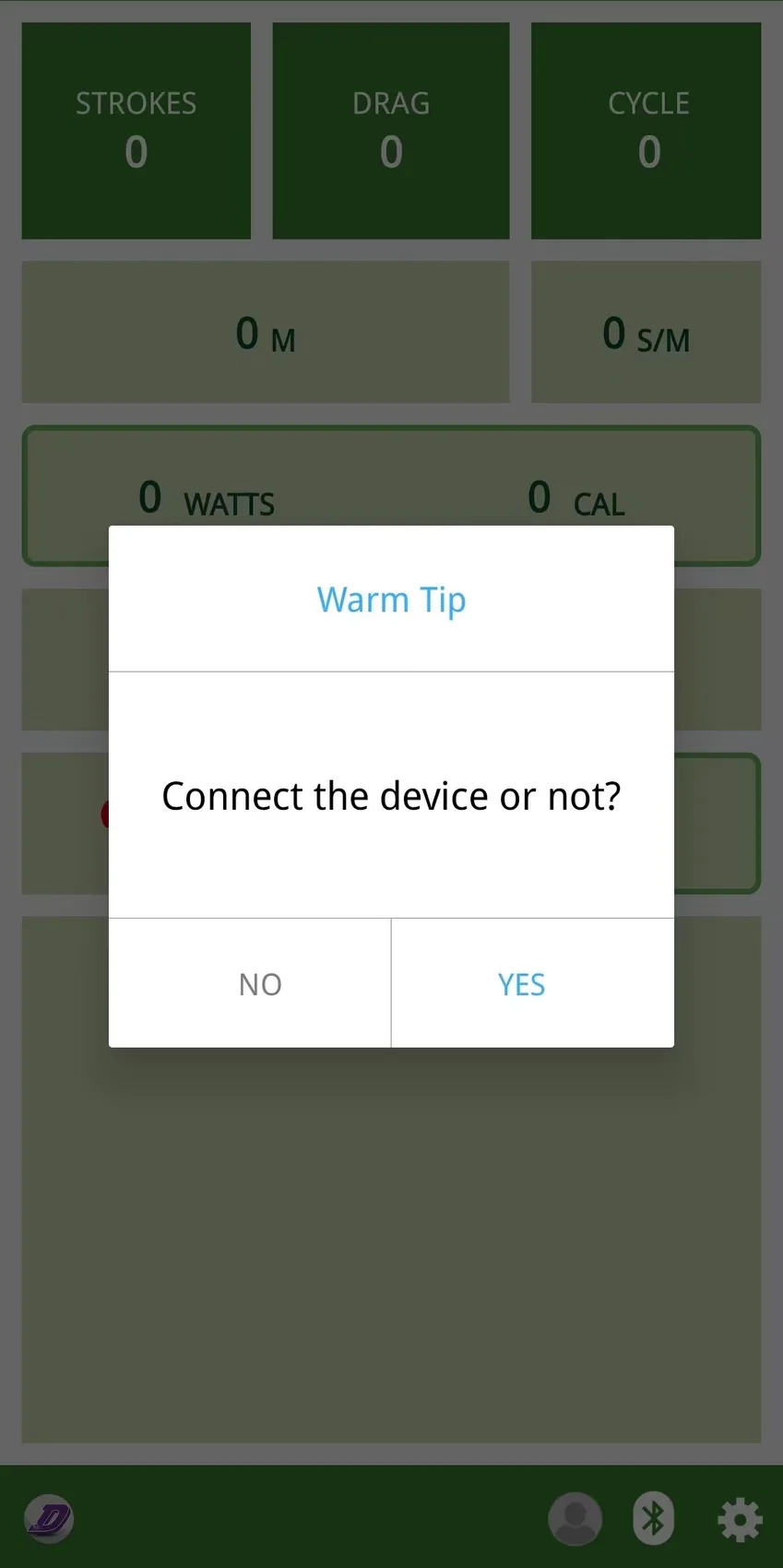
Once you open the APP, there will be a
pop-up window asking to connect your
device. Select Yes.
02
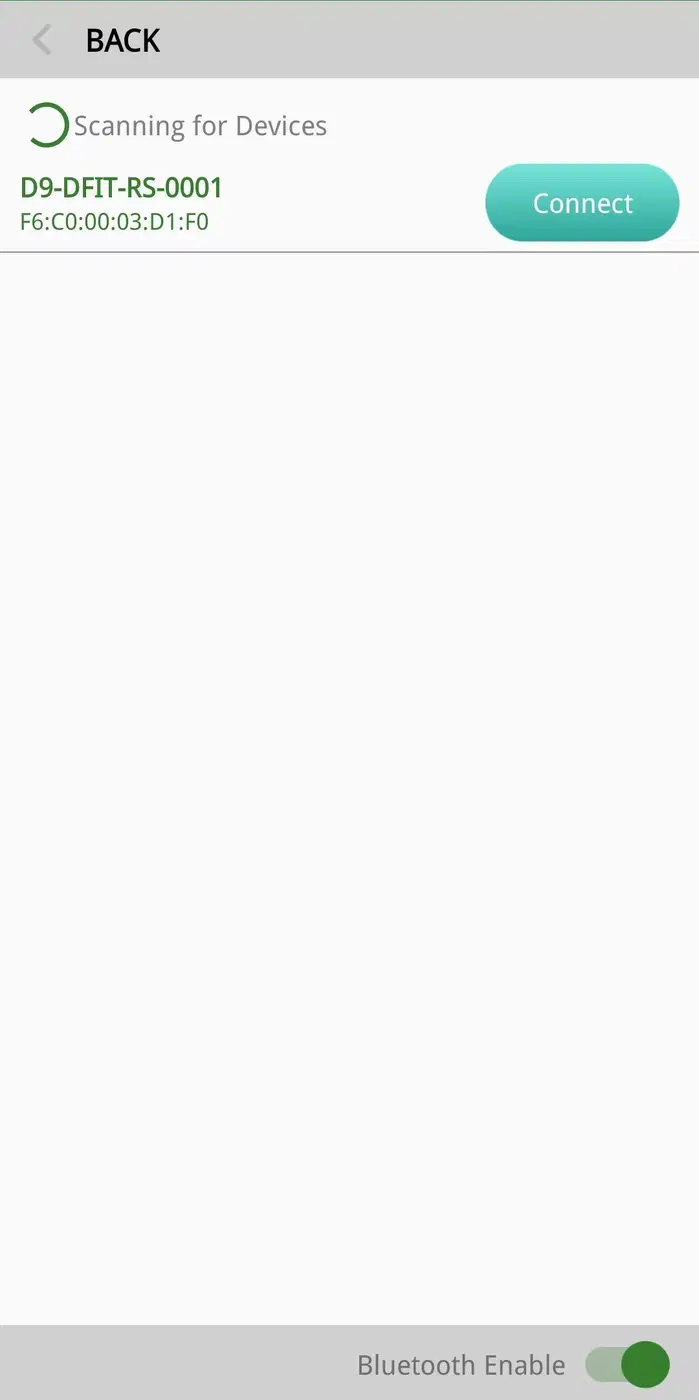
Select the Bluetooth name of your console
monitor.
03
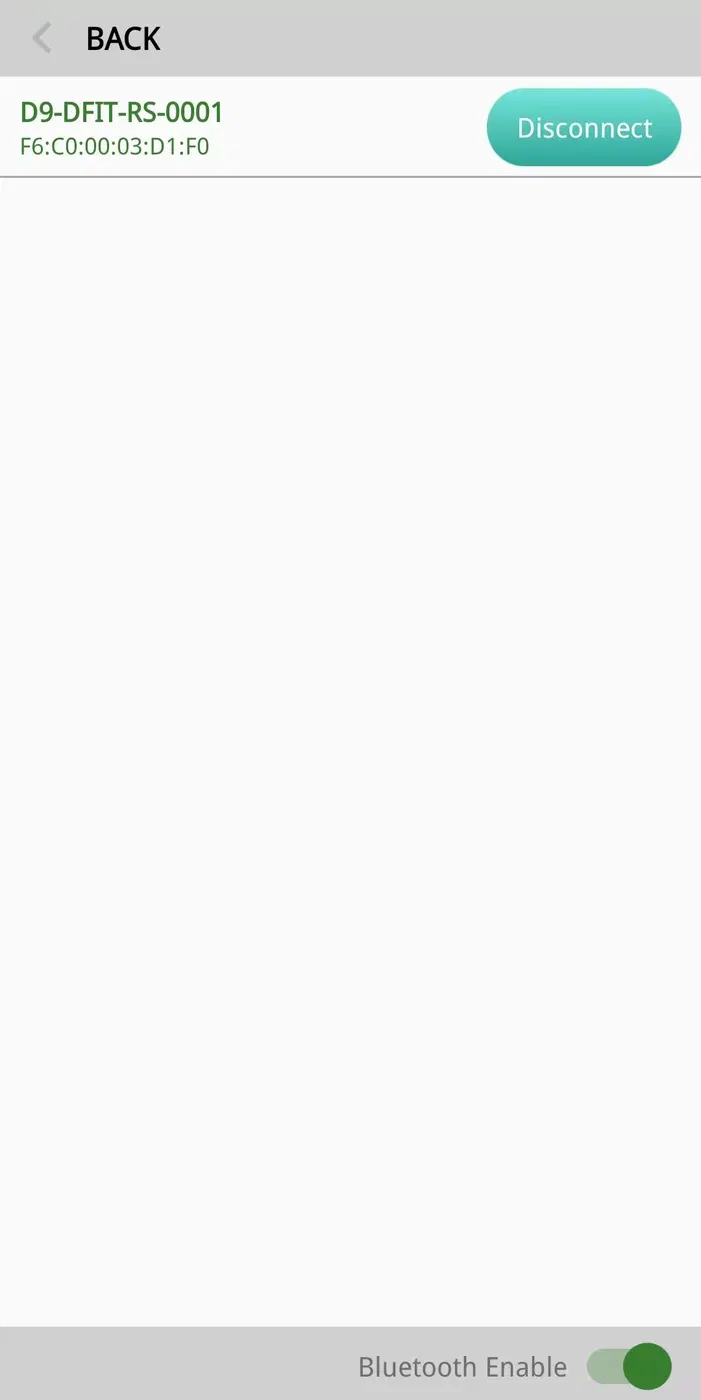
You are now ready, enjoy!
04
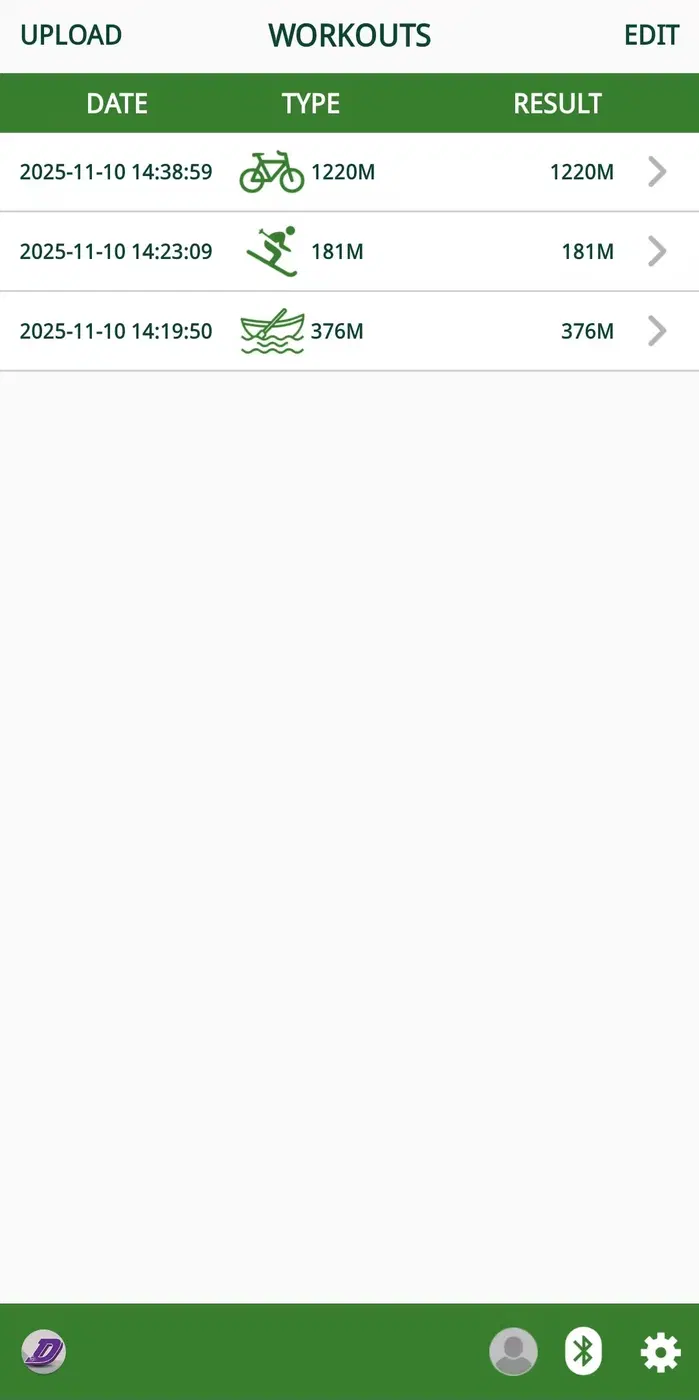
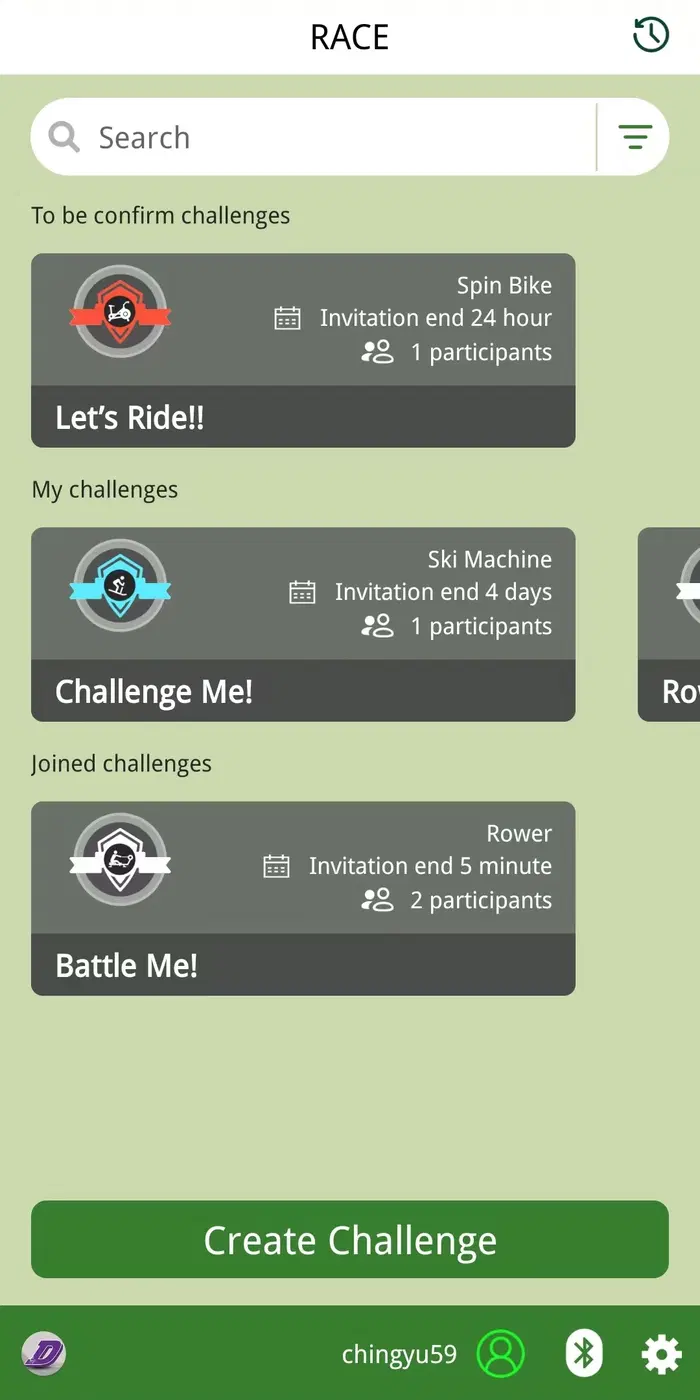
Don’t forget that you can also view
workout history and join online
competitions with the D-Fit APP!